Included with every Axis subscription
The app your drivers actually use.
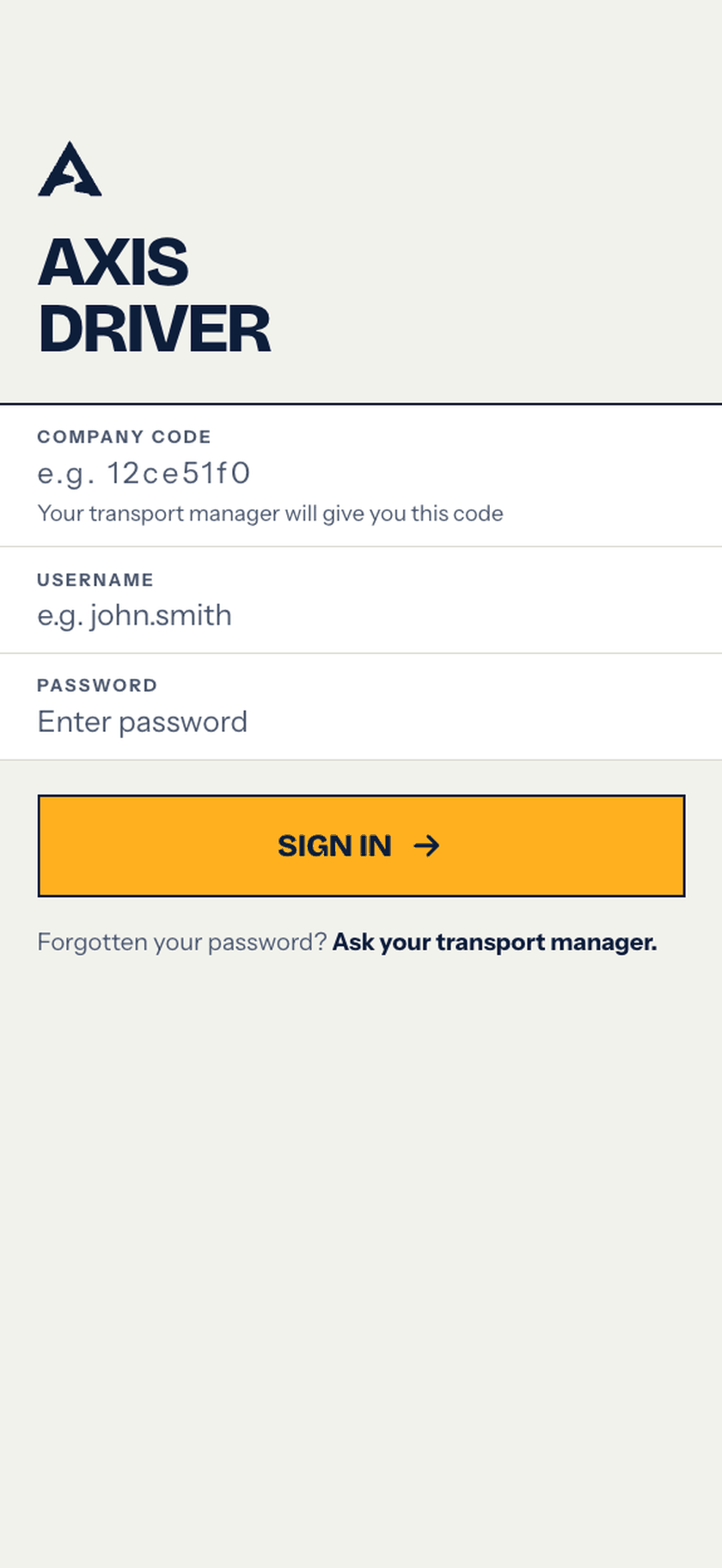
No email accounts, no invitation links. Drivers sign in with your company code, username and password and complete the day’s compliance from their phone — vehicle checks, policies, training — every completed action recorded back in Axis for the transport team.
Already using Axis? Download the driver app for your team →
How it works
Three steps. No email onboarding.
You add the driver
Add a driver in Axis and share your company code. No email invite to bounce, no accounts to chase.
They sign in on their phone
The driver opens Axis Driver, enters the company code, username and password — and they’re in.
The day’s compliance gets done
Walkaround checks, policies read and signed, training completed — timestamped and evidenced straight back into your operator record.
No email accounts. No invitation links.
Drivers sign in with the company code their transport manager gives them, plus a username and password. Nothing to set up, no email invites to chase.
The day’s work, on the phone
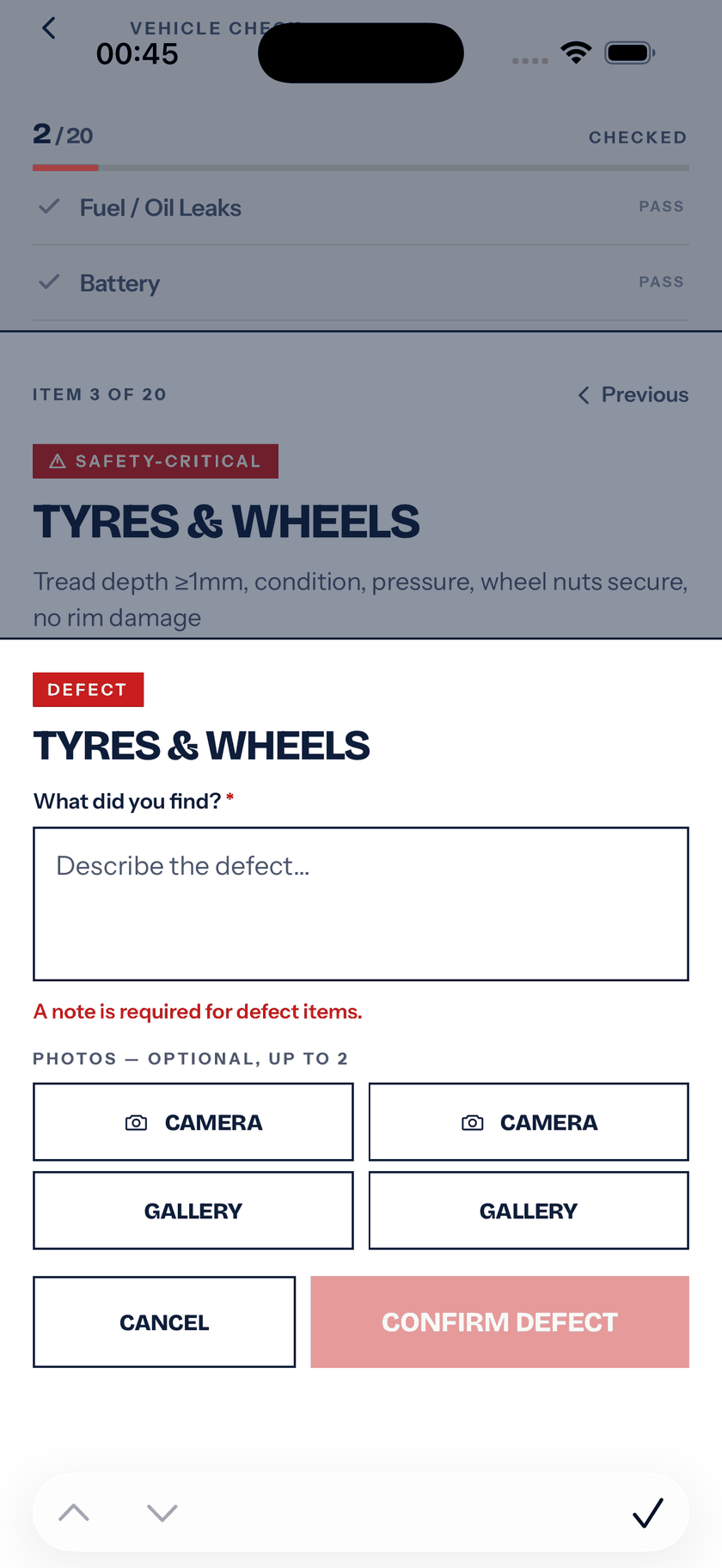
Start of shift to end of shift: walkaround checks with guided capture, defects flagged, each record carrying who did it and when — and it lands in your Axis dashboard as it happens.
Policies & training, read and signed
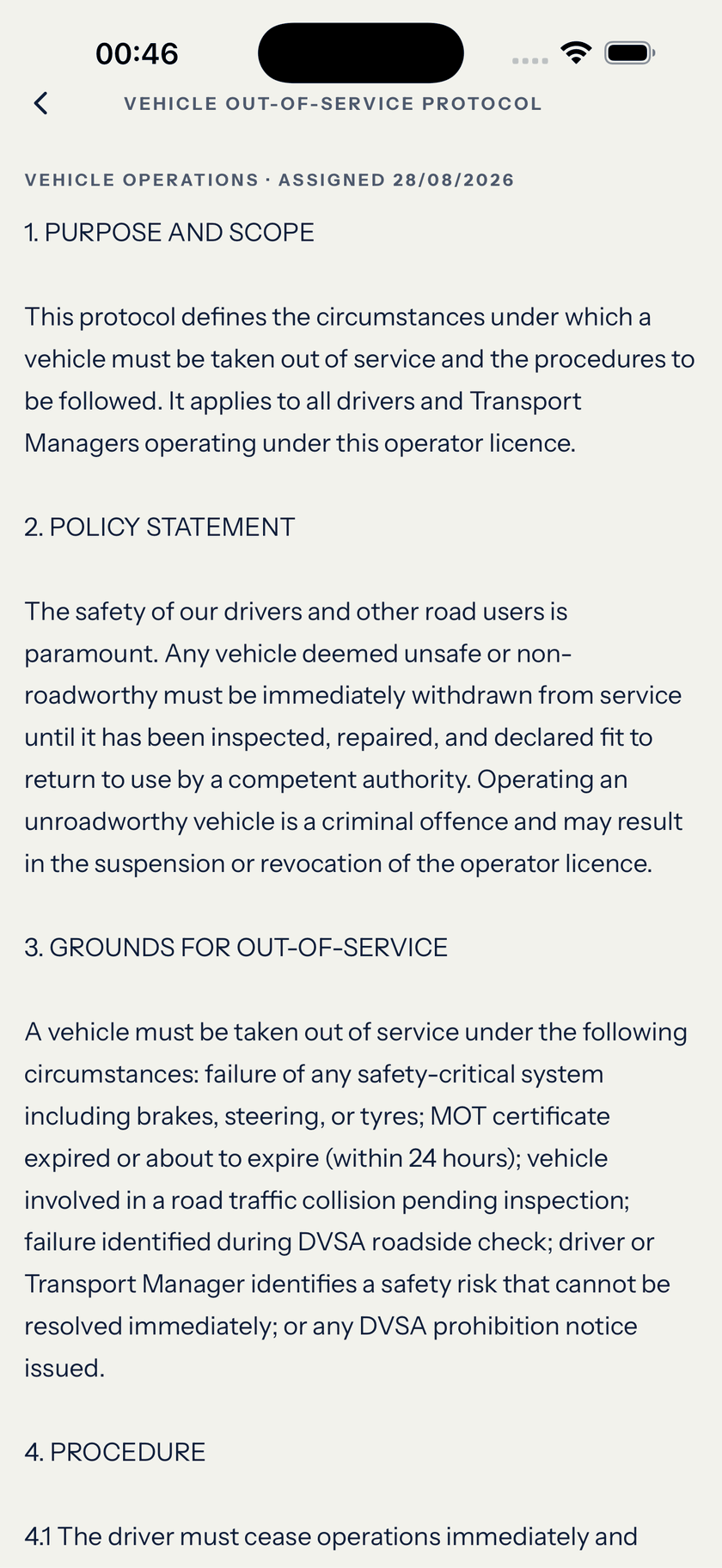
Assign a policy or a training module; the driver reads or watches it in the app and signs. When someone asks “can you evidence this?”, the answer is one click — not a panic.
In the app
Everything a driver does in a day.
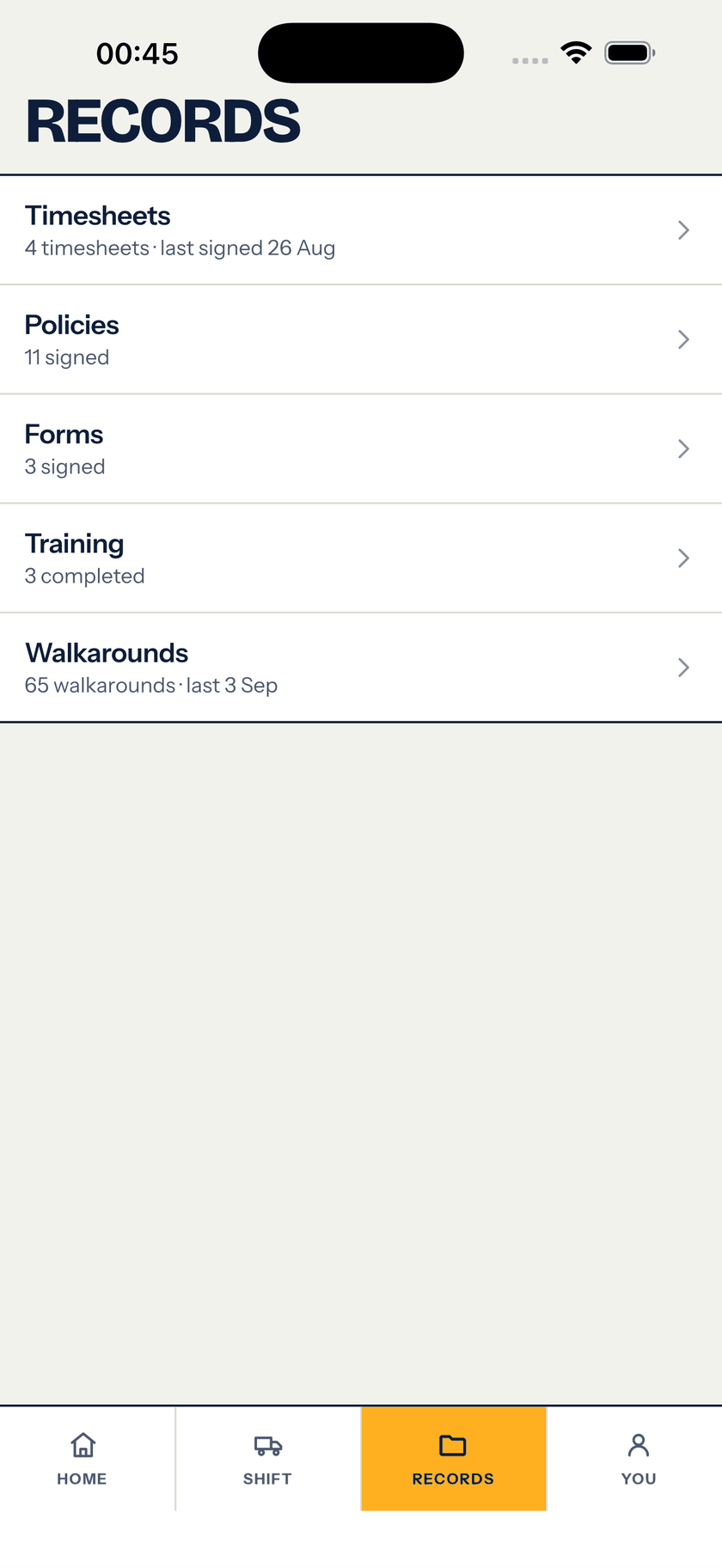
One place for the whole compliance day — and each completed check, signature and training record lands back in Axis with the driver's name and the time, so the transport manager isn't chasing paper.
Daily walkaround checks
Guided daily vehicle walkaround with photo capture and a clear pass/defect on every item.
Report defects & incidents
Flag a defect or log an incident from the phone — photos, notes, straight to the office.
Policies — read & sign
Assigned policies read and signed in-app, timestamped and evidenced.
Training — watch & confirm
Video or PDF training modules; the driver completes and confirms understanding.
Documents & credentials
Upload licence, tacho card, CPC and medical — kept current, expiries tracked.
Shifts & timesheets
Start and end shifts on the phone — a clean record of hours and duties.
Work-ready status
The driver sees their own compliance passport — what’s done, what’s due.
Installable app
Install from the App Store or Google Play and it opens instantly — no browser faff, no account to create.
Closes the loop
The transport manager sees it instantly.
The moment a driver finishes a check, signs a policy or completes training, it lands in Axis — timestamped, signed and filed against the right operator. No end-of-week paperwork run, no chasing. When an examiner asks “can you evidence this?”, it’s already there.
Get Axis Driver
Free with every Axis subscription. Add the driver in Axis, hand them the company code, and they’re ready.


In the stores as “Axis Driver - CompliHaul”
 Scan to install